Game Updated? Check the Loader and Packs Separately
Before replacing files, note three versions: the Steam game build, the loader release and each content or translation pack. A recent loader date is not a test of every combination. Build 443 compatibility has not been tested by this site.
- Read the author’s current requirements and file notices for your platform.
- Keep a separate save backup before changing the setup. Follow the author’s documented removal or update process rather than deleting arbitrary files.
- Check that the loader menu opens before adding content packs. If it does not, report the game/loader pair and exact error; adding more packs will not establish compatibility.
- If the menu opens but one pack fails, record that pack’s version separately. Translation replacements and loader packs may use different installation methods.
The Build 443 task checklist covers the base game. Keep modified-game reports separate, and do not describe a mod download as an official update.
Community Mods and Official Support Are Different
Yuuma’s Dressmaker ModLoader by Yuumeow is a BepInEx-based community tool. Its author lists a fabric creator, accessory tools, a mod manager and optional gameplay changes. These are additions to the Steam game, not features of Prototype 0.5.5 or proof that the developers provide Workshop integration.
The author’s Nexus listing ↗ listed version 0.7.5, updated October 11, when checked October 15, 2026. That update predates the game’s October 14 Build 443 patch; the listing date alone does not confirm compatibility. Its file list separates Windows, macOS and Steam Deck packages. Read the matching package’s requirements before choosing a file; a Windows archive is not a mobile APK.
At this check, Nexus displayed “Some suspicious files” in its scan status. That label does not establish whether a file is malicious, but it prevents us from presenting the download as safety verified. Review the current file notices and do not bypass a security block on the strength of this guide.
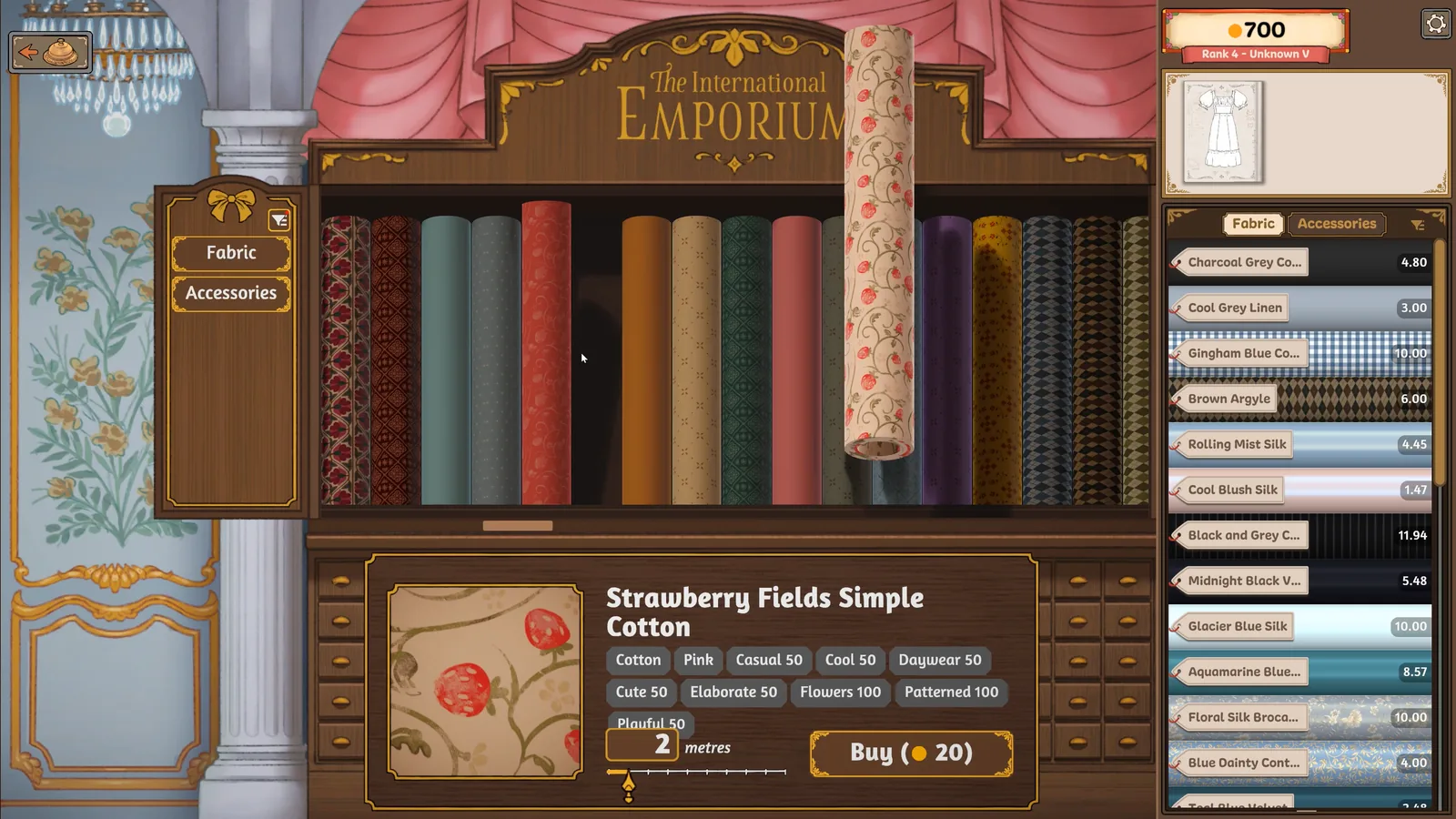
The Loader ZIP and a Fabric Pack Have Different Jobs
The Threadbox setup documentation ↗ distinguishes the initial loader setup from installing an individual content pack. Mixing those steps can leave the files in the wrong folder.
- Find the actual game folder. In Steam, right-click Dressmaker and use Manage → Browse local files. On Windows, look for
Dressmaker.exe. - For the Windows loader, quit the game first. The documented setup copies the extracted package contents beside that executable. The expected loader path is
BepInEx/plugins/DressmakerMods.dll; avoid an extra outer folder such asBepInEx/BepInEx. - Check the result before adding a pack. Start through Steam and look for Options → Mod Manager. A missing menu means the loader has not started; repeatedly adding fabric ZIPs will not solve that.
- For an individual mod, use Install/Update Mod. Select its ZIP, inspect the preview, confirm and restart Dressmaker. Do not apply the Windows loader’s extraction step to every pack. For Mac or Deck setup, follow the platform section of the documentation instead.
These are documented checks, not an installation performed by this site. If the menu or content is absent, record your game build, loader version, platform and exact error for the mod author. Keep mod problems separate from unmodified-game bug reports.
Custom Fabrics, Sandbox Settings and Ordinary Progression
The author describes creating fabrics from images and changing existing fabric properties. Optional settings include unlimited funds, content unlocks and completing sewing after the pieces are cut and placed. These are mod features; they are not evidence of a universal built-in cheat code, an official unlock route or achievement compatibility.
If you want to design within the original game’s gold and unlock limits, use the off-the-rack workflow. For built-in sewing help, try Sewing Assist. Neither route needs a mod loader.
Free Prototype, Paid Steam Game and Mobile Claims
The itch.io prototype remains a separate name-your-price download; the full Steam game is paid. Community desktop mods do not turn either one into an official Android or iPhone release. Use the mobile status page for the announced port plans, and official links to choose the actual game version.